
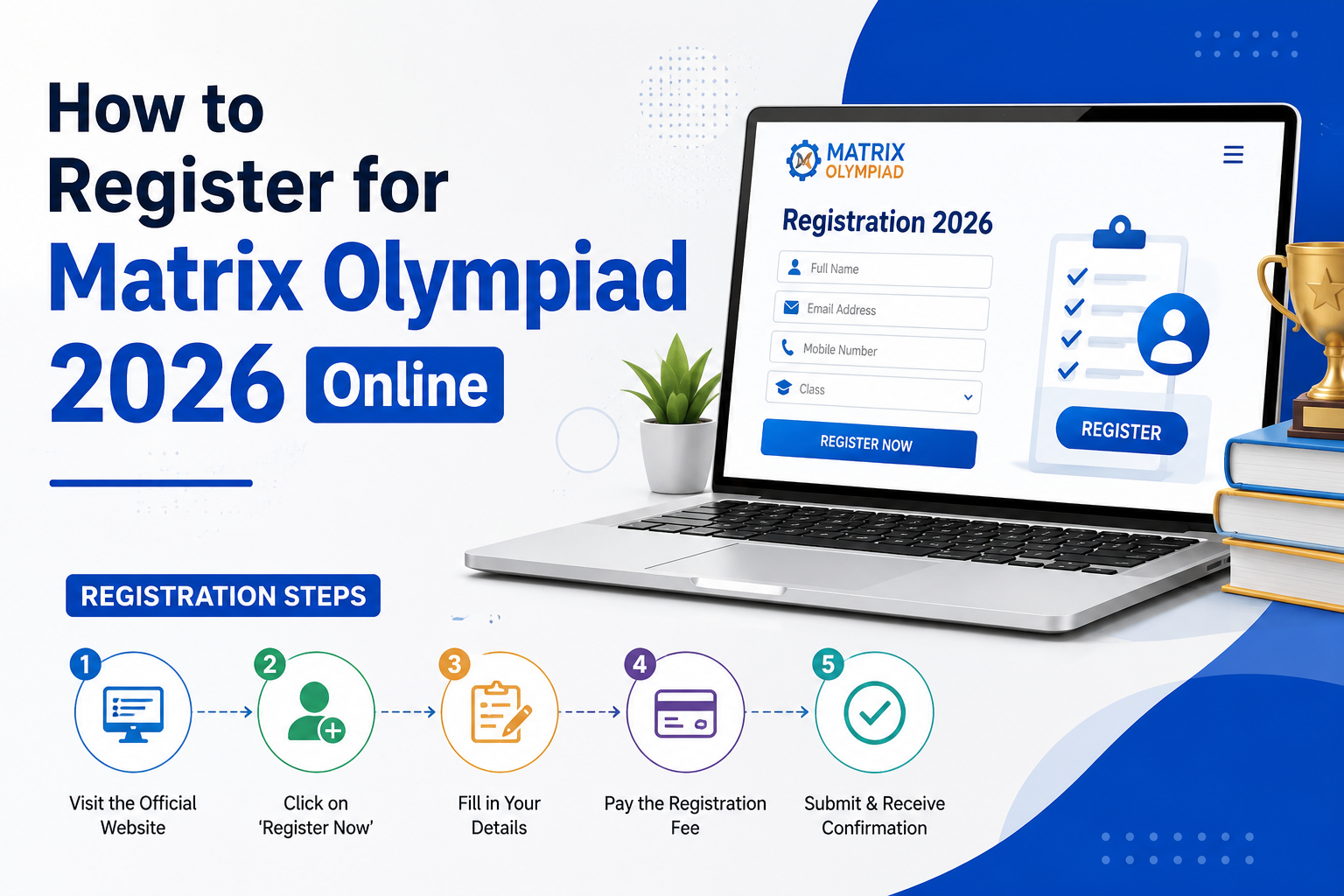
How to Register for Matrix Olympiad 2026 – Step-by-Step ?
To register for Matrix Olympiad 2026, visit mof.matrixedu.in, click “Register Now,” verify your mobile number with an OTP, and fill in your personal and academic details across three form steps. Registration is completely free, takes 5 to 7 minutes, and is available only online. The registration window is open from 28 June 2026 to 26 September 2026.
Step 1 — Visit the Official Matrix Olympiad Website
Open your browser and go to: https://mof.matrixedu.in/
On the homepage, click the “Register Now” button located in the top right corner of the page.
Direct Registration Link: mof.matrixedu.in/registration
Step 2 — Verify Your Mobile Number
Enter your 10-digit mobile number in the field provided and click Submit.
An OTP (One-Time Password) will be sent to the entere number immediately.
Enter the OTP in the verification field and click Proceed to move to the registration form.
Note: Use a mobile number that is active and accessible, as all future communications — including admit card alerts and results — will be sent to this number.
Step 3 — Fill in Form Section 1: Personal and Academic Details
This section covers the student’s core identity and academic information. Fill in all fields carefully:
- Mobile Number (auto-filled from verification)
- Student’s Full Name
- Father’s Name
- Father’s Occupation
- WhatsApp Number (can be the same as the registered mobile number)
- Email ID
- Date of Birth
- Education Board — CBSE / ICSE / RBSE / State Board
- Current Class — Class 5 to 12
- Preferred Exam Medium — Hindi or English (as per eligibility above)
Click Next to proceed to Section 2.
Step 4 — Fill in Form Section 2: Exam Preferences
This section captures the student’s exam-related choices:
- Exam Mode — Select Online (Stage 1 is conducted only online)
- Preferred Exam Date — Choose between 27 September 2026 or 4 October 2026
- State — Select the state where the student currently studies or resides
- District — Select the relevant district
Click Next to proceed to Section 3.
Step 5 — Fill in Form Section 3: Additional Details
This section captures supplementary information:
- Alternate Mobile Number — Enter a second contact number (parent’s number is recommended)
- Mother’s Name
- Are You a Matrix Student? — Select Yes or No
- If No: Enter the name of your current school
- Pincode — Enter your area pincode
- Address — Enter the complete residential or school address
Step 6 — Review and Submit the Form
Before submitting, carefully review all entered information for any spelling errors or incorrect details. Pay particular attention to:
- Name spelling (must match school records)
- Date of birth
- Class and board selection
- Mobile number and email ID
Once verified, click Submit.
Step 7 — Save Your Confirmation
Immediately after submission:
- A confirmation message will appear on screen
- A confirmation is sent to your WhatsApp on the registere number
- A confirmation email is sent to the provide email ID
Download or screenshot the confirmation page. This serves as proof of registration.
Common Registration Mistakes to Avoid
- Do not use someone else’s mobile number — all communications go to the registered number
- Do not close the form midway — fill all three sections in one session
- Do not select the wrong board — this affects syllabus alignment and result processing
- Do not wait until the last date — the registration link closes on 26 September 2026 (one day before Stage 1)
- Returning students: Do not try to log in to an old Matrix Olympiad account — a new account must be created for 2026
Registration Troubleshooting
| Problem | Solution |
|---|---|
| OTP not received | Wait 60 seconds and click “Resend OTP” |
| OTP expired | Click “Resend OTP” to generate a new one |
| Form not submitting | Check all mandatory fields are filled correctly |
| No confirmation received | Check spam/junk email folder; or contact support |
| Registered with wrong details | Contact Matrix Olympiad support immediately |
Matrix Olympiad Support:
- Phone: +91 1572 241911
- WhatsApp: +91 9773388157 / +91 9773388166 / +91 8233354489
- Email: mof@matrixedu.in
How to register for Matrix Olympiad 2026?
Visit mof.matrixedu.in, click “Register Now,” verify your mobile number with an OTP, and complete the three-section registration form with your personal, exam, and contact details. The entire process is free and takes 5 to 7 minutes. A confirmation is sent to your WhatsApp and email immediately after submission.
When does Matrix Olympiad 2026 registration open?
Matrix Olympiad 2026 registration opened on 28 June 2026 and remains open until 26 September 2026 — one day before the first Stage 1 exam attempt.
Is Matrix Olympiad registration free?
Yes. Registration for Matrix Olympiad 2026 is completely free. There is no registration fee for Stage 1 or Stage 2.
Can Matrix Olympiad registration be done offline?
No. Registration is available online only at mof.matrixedu.in. There is no offline or postal registration process.
What is the last date to register for Matrix Olympiad 2026?
The last date to register is 26 September 2026. Students who wish to appear on 27 September 2026 must register by 26 September 2026.
How long does Matrix Olympiad registration take?
Registration takes approximately 5 to 7 minutes if all required details are kept ready before starting the form.
Can students who appeared in Matrix Olympiad 2025 register again?
Yes. Students who participated in 2025 are eligible for 2026 but must create a new account. They can use their previously registered mobile number to autofill most details during registration.
What documents are need for registration?
No documents need to be uploade during registration. Students only need to provide their personal details, academic information, and contact details. An Aadhaar Card or School Student ID may be require at Stage 2 for identity verification.
Will I receive a confirmation after registering?
Yes. An instant confirmation is sent to the registered WhatsApp number and email ID after successful form submission. A confirmation message also appears on screen.
How can I check if my Matrix Olympiad registration was successful?
Log in at mof.matrixedu.in using your registered mobile number. If your dashboard shows your registration details and exam date, your registration is confirme.
When is the admit card release for Matrix Olympiad 2026?
The admit card is available for download one week before the Stage 1 exam date at mof.matrixedu.in.